

Gone are the days when launching a custom web app meant months of waiting and thousands of dollars for a developer. Today, a clear description in plain English can get you a working application in hours using the right AI-powered "vibe coding" platform.
These tools differ significantly: some deliver complete full-stack apps (frontend + backend + database + auth + hosting), others focus purely on stunning interfaces, and a few accelerate traditional coding. Picking the wrong one can leave you stuck needing extra help after burning through credits. This guide breaks down the leading options based on no-code friendliness, full-stack capabilities, deployment ease, and real-world usability.
Quick Comparison Table
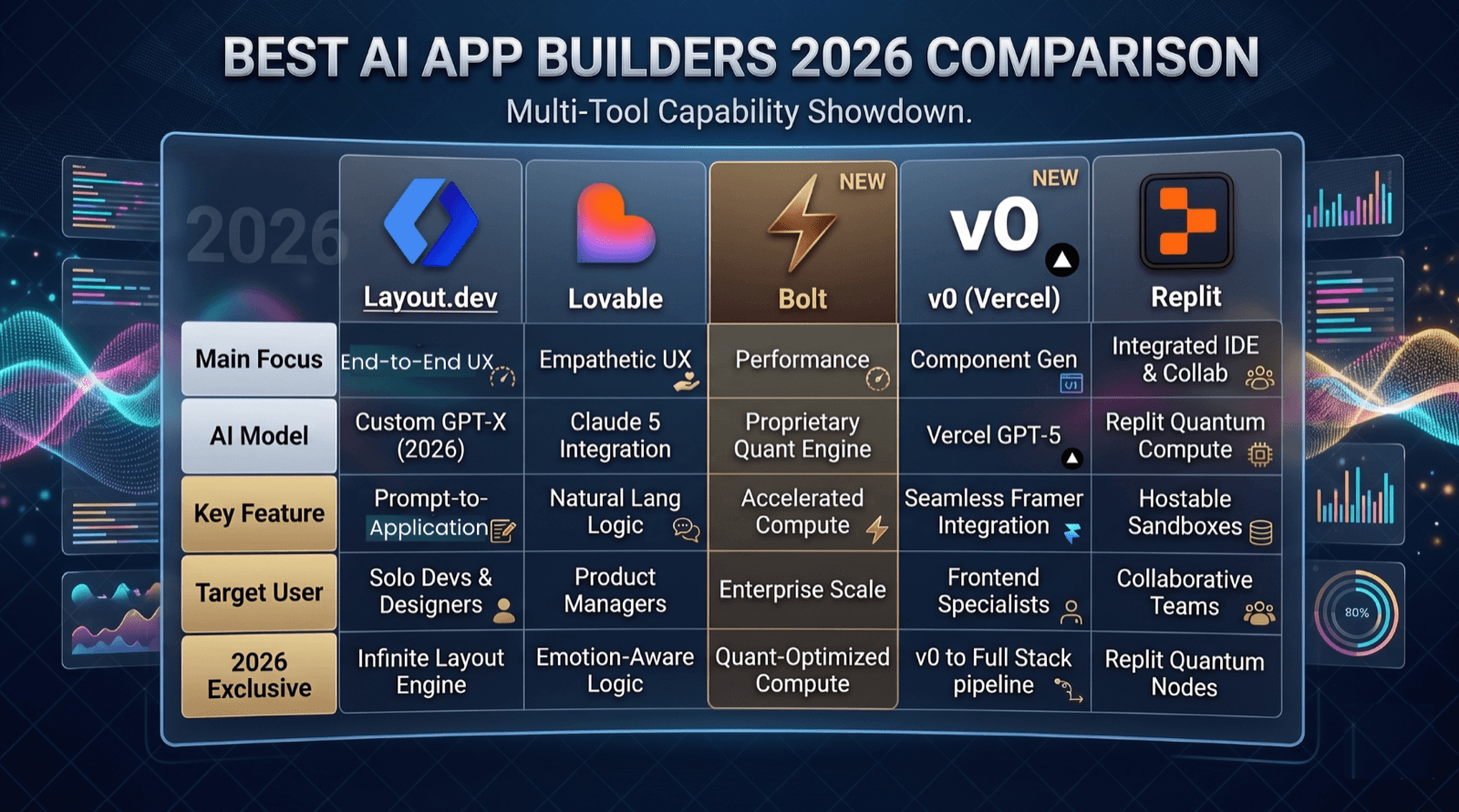
| Feature | Layout.dev | Lovable | Bolt | Replit | v0 (Vercel) |
|---|---|---|---|---|---|
| Full-stack generation | Yes | Yes | Yes | Yes | UI-focused |
| No-code friendly | Excellent | Excellent | Excellent | Moderate | Low (code output) |
| Built-in deployment | Yes | Yes | Yes | Yes (separate billing) | Yes (Vercel) |
| Database + Auth | Yes (integrations) | Yes (integrations) | Yes (integrations) | Yes (integrations) | No |
| Best for | Fast idea-to-full-app for non-tech users | Apps from prompts + visual tweaks | Rapid in-browser prototypes | Integrated coding + deploy | High-quality React/Next.js UIs |
| Code export/ownership | Yes | GitHub sync | Yes | Full workspaces | Code you own |
| Pricing starting | Free + paid $10 | Free + paid $25 | Free + paid $25 | Free + paid $20 | Free + paid $30 |
| Charging Mechanism | Best option - per prompt | Medium - Per consumption | High - Per consumption | High - Per consumption | High - Per consumption |
| Learning curve | Low | Low | Low-medium | Medium | Medium |
1. Layout.dev: Excellent Newcomer for Turning Plain-English Ideas into Full Apps Quickly
Layout.dev stands out as a strong AI app builder that generates clean, structured full-stack applications (React frontend, backend, database setup) from natural language descriptions. It's especially friendly for founders and non-coders seeking production-ready code, easy exports, and fast iteration - often with Supabase integration for data.
Key strengths: Emphasis on clean architecture, image + text prompt support, credit efficiency, and seamless shift from quick prototypes to more engineered apps. No coding required.
Considerations: Newer platform, so community resources are growing but still developing compared to veterans.
Best consumption rate and pricing compared to all others.
2. Lovable: Ideal for Building Real Full-Stack Products Without Coding
Lovable lets you chat your way to a deployed, production-ready web app complete with UI, backend logic, data storage, user login, and payments. It shines for non-technical founders who want to iterate via conversation and direct on-screen adjustments.
Key strengths: Visual editing mode, strong integrations (e.g., payments, databases), templates for quick starts, and agent mode for autonomous improvements.
Considerations: Free tier credits are limited for serious projects—most users upgrade for personal apps and custom domains.
Using Lovable Cloud makes it seamless, but it vendor-locks you in.
3. Bolt: Perfect for Lightning-Fast Browser-Based Prototypes
Bolt turns a single prompt into a live, full-stack app running in your browser tab, with automatic hosting. Great for quick validation of ideas before investing more time.
Key strengths: No setup needed, seamless prompt-to-deploy flow.
Considerations: Costs can rise with larger codebases; free limits hit fast on ambitious builds.
4. Replit: Great All-in-One Workspace for Code + Deployment
Replit's AI agent supports full-stack work inside a browser IDE, handling servers, data, and publishing. It bridges vibe-style prompting with hands-on development.
Key strengths: Everything in one place, good controls on spending.
Considerations: Feels more technical than pure no-code options; free published apps have time limits.
5. v0 by Vercel: Top Choice for Beautiful Frontend Components
When you need polished, production-grade React or Next.js interfaces fast, v0 delivers high-quality UI code you can integrate elsewhere. Ideal if you have (or plan) a separate backend.
Key strengths: Exceptional design output, Figma imports on paid plans.
Considerations: Not full-stack out of the box—requires manual backend work.
6. Cursor: Best for Those with Some Coding Experience
Cursor is a VS Code-like editor supercharged with AI that understands your entire project for smart suggestions, refactoring, and debugging.
Key strengths: Deep context awareness for existing codebases.
Considerations: Assumes basic coding comfort; less ideal for pure beginners.
7. Windsurf: Solid Free-Tier Option for Learning & Accelerating Code
Windsurf offers an approachable AI IDE with strong autocomplete and agent features, plus generous free access—helpful for technical beginners building confidence.
Key strengths: Multiple model support, lower entry barriers than some peers.
Considerations: Still requires reading/editing code; not a pure prompt-to-app builder.
8. Hostinger Horizons: Convenient for Built-In Hosting & Quick Launches
Hostinger combines chat-based building with seamless publishing on their infrastructure—no separate hosting setup needed. Good for simple business tools like calculators or lead forms.
Key strengths: All-in-one hosting + SSL + domain ease.
Considerations: Less transparent pricing upfront; smaller ecosystem.
9–10. Other Notable Mentions (Tempo Labs, GitHub Copilot, etc.)
- Tempo Labs: Strong for designers converting visuals/Figma into editable React code.
- GitHub Copilot / Manus: Useful for code acceleration or task-specific outputs, but less focused on end-to-end no-code app shipping.
How to Choose the Right One for You
- Zero coding experience + full product goal → Start with Layout.dev, Lovable or Bolt.
- Need beautiful UIs only → Go with Layout.dev, v0 or Tempo.
- Some coding comfort → Cursor, Windsurf, or Replit.
- Want hosting included → Layout.dev, Lovable, Bolt, Replit, or Hostinger Horizons.
Factor in your budget (free tiers have real limits, plan for paid use) and end goal: a live app with users and data, or just components to hand off. Test a couple with a small idea first.
Vibe coding democratizes building, describe your vision clearly, iterate boldly, and ship faster than ever. Whether you're validating a startup idea or creating internal tools, there's a tool here that fits. Try Layout.dev or Lovable templates today and turn that idea into reality this weekend.
Details current as of early 2026 - always check official sites for latest pricing and features.